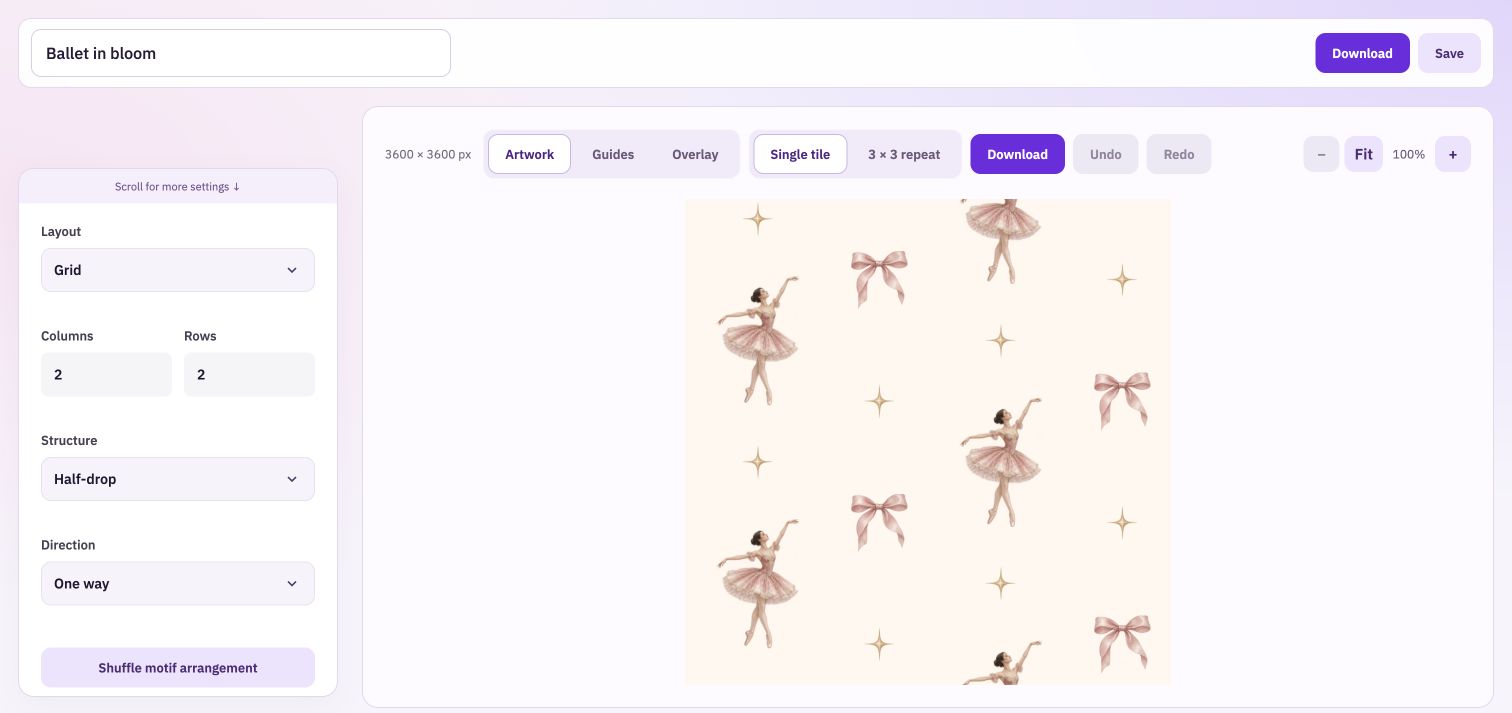
Build the layout. Draw the seamless pattern your way.
Start with a seamless layout that does the edge planning for you. Shape a scattered or structured repeat, try your illustrations in the guide, or download it and draw over it in your favourite art app.
Absolutely incredible. I've been struggling with seamless patterns for months and taking ages to get them right. The templates have made my life so much easier because I know I can't go wrong.
Compare a scattered composition with a regular grid, then use straight, half-drop or half-brick repetition where available. The arrangement changes the movement across the whole print, rather than simply changing its border.
Balance big shapes and small details
Adjust motif sizes and spacing so the guide gives a clear hierarchy. Use larger placements for a central character or flower, and smaller placements for the marks that fill the spaces between them.
See the guide and artwork together
Switch between guide, artwork and overlay views as you work. Inspect a single pattern or its repeat to understand how the placements continue at each edge.
Build a useful drawing guide
Choose the repeat
Set the canvas and layout, then compare the size of the main and supporting placements. Try another arrangement if the movement feels too regular or too crowded.
Use it while you draw
Download the transparent PNG guide and place it on a separate layer in your drawing app. Keep the guide out of the finished artwork export.
Check the finished work
Export the completed pattern from your drawing app, repeat it and inspect the joins. A good placement plan still needs a careful final artwork check.
The guide plans the layout. Your finished drawing makes the print.
Follow matching placements at the edges carefully when drawing outside Vivid. A brush stroke, texture or background added later can change the joins even when the original guide was correct. Check the exported artwork rather than relying on the guide alone.
Take your work into the next step.
Bring: No artwork required.
Download: Transparent PNG guide, artwork pattern and repeat preview.
Choose your pattern size and arrangement. Adjust the motif sizes, spacing and background. Download a guide, or add artwork and export your pattern.