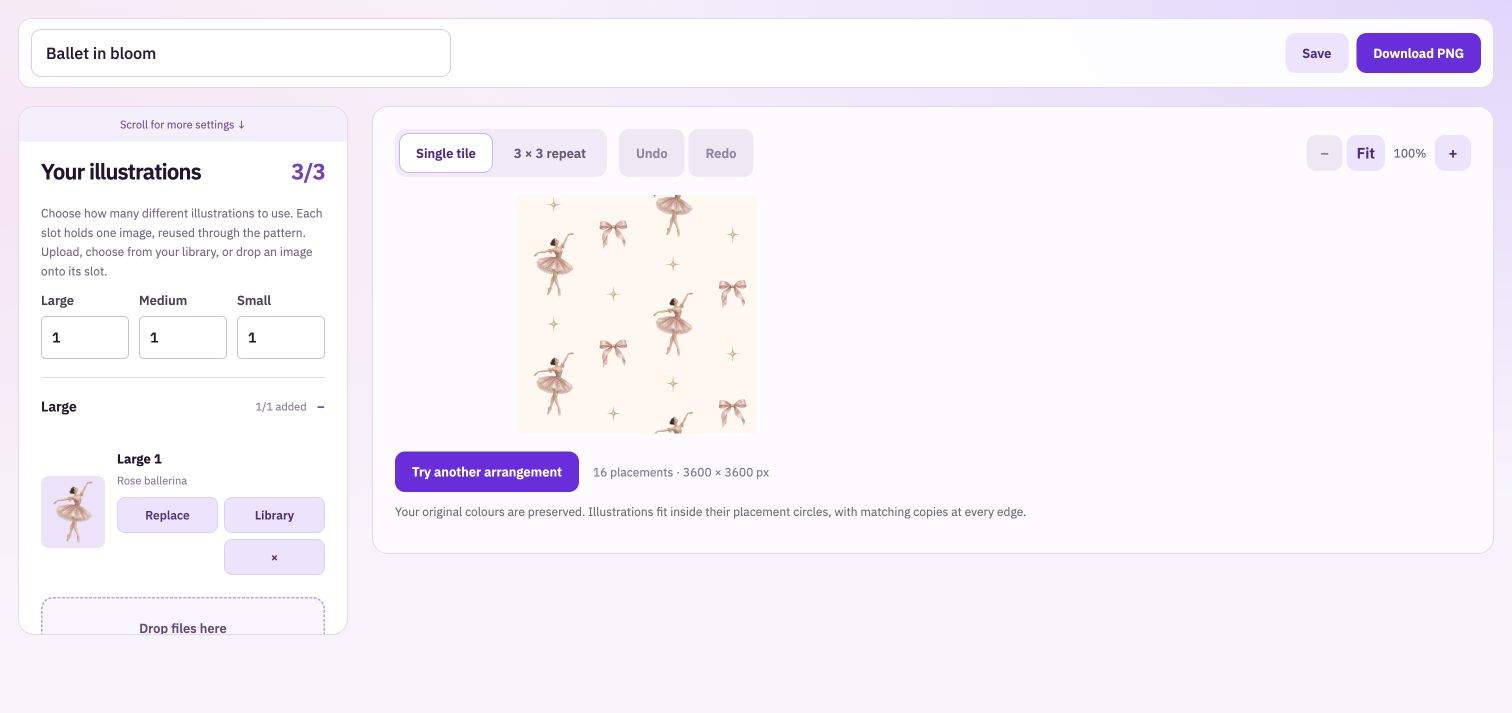
Your illustrations. Endless seamless possibilities.
Turn a handful of separate illustrations into a seamless pattern. Explore fresh arrangements, balance statement motifs with little details, and change the spacing, scale and background as your collection takes shape.
Choose how many large, medium and small illustrations to include. Add images individually or together, and replace a single motif without starting the whole pattern again. Use the smaller groups for leaves, bows, stars or the details that connect the main drawings.
Change the rhythm of the repeat
Balanced scatter gives the composition a less regular feel. Straight grid, half-drop and half-brick provide more structured arrangements. Keep motifs upright for directional artwork, or mix their directions for a print that can be viewed from different angles.
Make the spacing feel intentional
Adjust the size of each motif group and the space between illustrations. A larger main drawing makes a statement; smaller motifs and more open space can give the same artwork a lighter character. Preview a single pattern and a repeated field before exporting.
From separate illustrations to a repeat you can use
Bring the drawings
Use individual transparent PNGs or WebP images so the background does not form a rectangle around each illustration. Fill the chosen slots, then generate the pattern.
Develop the composition
Try an arrangement, adjust group sizes and background, and switch to the repeated view. Look for unintended lines, clusters and empty patches across several copies of the pattern.
Take the pattern further
Download one square pattern PNG at 1,800, 3,600 or 6,000 pixels. Use it in your design or print workflow, explore a second colourway, or present it on a product in Mockup Studio.
Judge the repeated field as well as the pattern.
A pattern can look balanced on its own and create an obvious stripe when repeated. Check the larger view before calling the composition finished. Keep a recognisable main motif, let supporting details support it, and choose your download dimensions for the size of work you intend to produce.
Take your work into the next step.
Bring: Individual transparent PNG illustrations.
Download: Full-resolution PNG seamless pattern.
Add your individual illustrations. Choose an arrangement and adjust scale and spacing. Inspect the repeat and download the pattern PNG.