From flowing waves to glittering stripes. Make it seamless.
Create thirteen seamless pattern styles without drawing every line. Explore waves, gingham, chevrons, stars, diamonds, dots and sparkling effects, then make the colours and scale work beautifully with your main print.
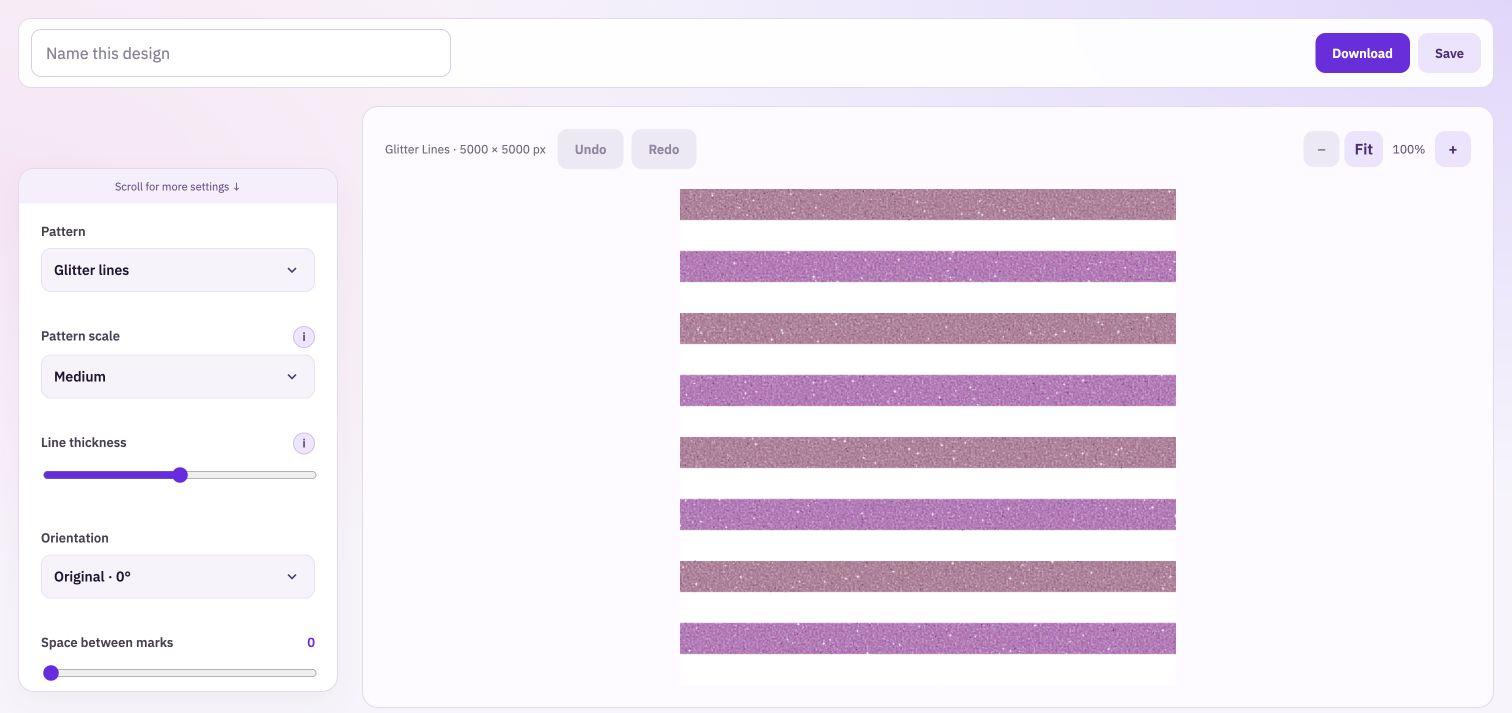
Choose stripes, diagonal stripes, scattered dots, gingham, fine grid, checks, chevrons, diamonds, wavy lines, stars, sparkles, glitter lines or sparkle lines. Each starts with an editable pattern, ready for your colours.
Control the visual weight
Change the size of the pattern, the thickness of its lines or shapes, and the spacing available for that style. Turn the design to another orientation. A fine line can sit quietly beside an illustration; a heavier version can become the focus.
Develop a shared colour story
Choose primary, background and accent colours, or begin with a palette you saved in Colour Palette Studio. Swap the main and accent colours or download three colour variations to compare the same design in different balances.
Build more than a different-coloured stripe
Find the right character
Start with a style and decide whether it should feel quiet, playful or bold. Set the primary, background and accent colours before comparing scale.
Shape the composition
Adjust weight, spacing and orientation. Whole-pattern fill is for repeating patterns; half and quarter fill give you blank sections for a different composition.
Use the result
Download a PNG image, an SVG with editable shapes, or both. Save your pattern to the Library or add it to Collection Builder to compare it with the rest of your range.
Pattern scale and file size do different jobs.
Scale changes how large the repeated marks appear inside the design. Download width controls the number of pixels in the file. Keep both decisions separate. If you use partial fill, inspect its joins before treating that composition as a seamless repeat.
Find your next pattern.
Try a style, then change its colours and scale. These examples use the same pattern renderer as the studio.
Take your work into the next step.
Bring: Colours or a saved palette.
Download: Seamless pattern PNG and editable SVG.
Choose a pattern style. Set your colours, scale and spacing. Preview the repeat and download a pattern.